


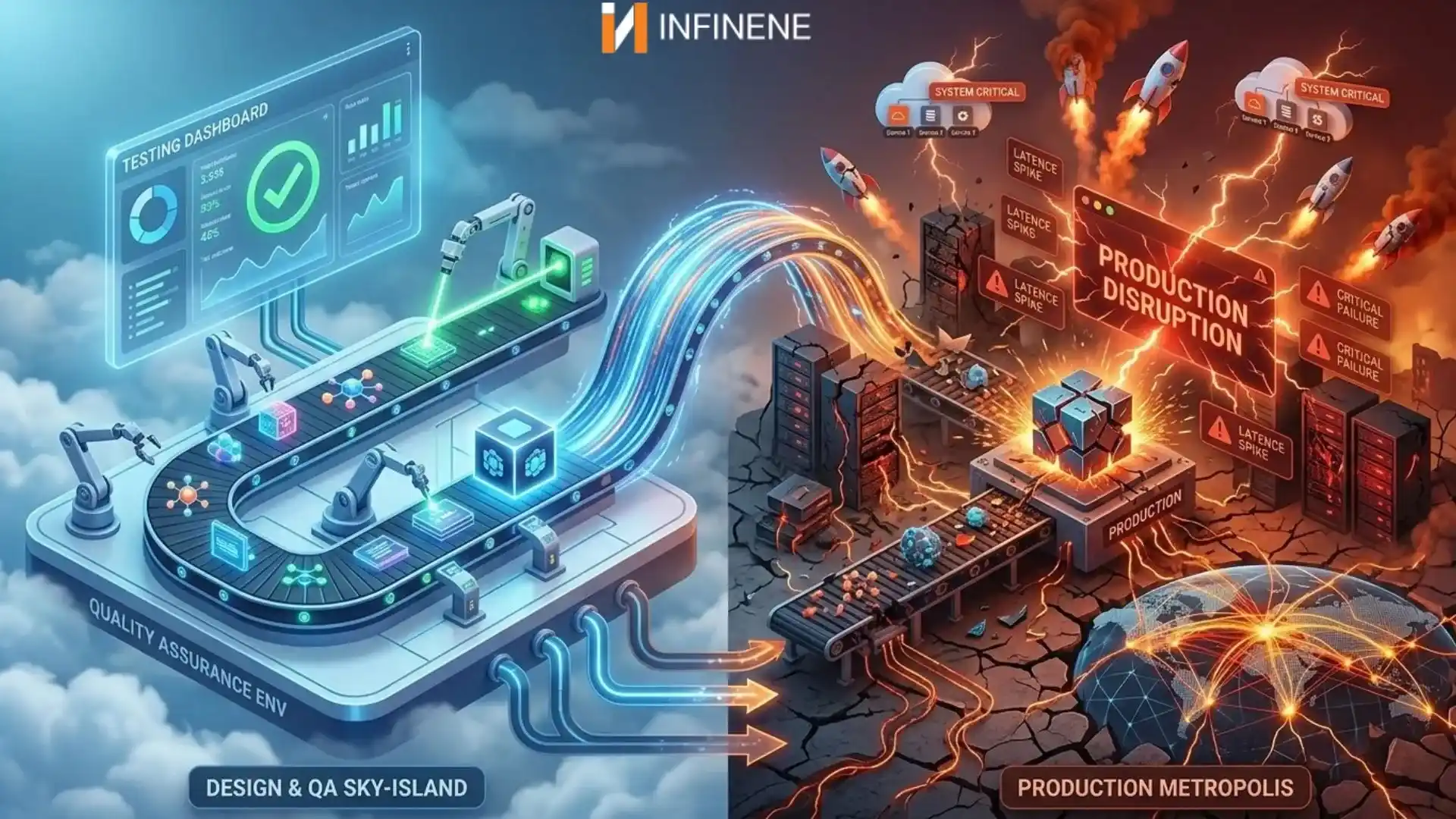
The release went out on a Tuesday afternoon. Unit tests were green, the integration suite passed, regression runs came back clean, and the QA lead signed off. By Wednesday morning, the support queue was full of customers who could not finish checkout, and nobody could reproduce the problem.
Most engineering teams have lived some version of that week: a release that looked fine in QA testing starts misbehaving as soon as real customers use it.
The trouble is what a passing test suite actually proves. It shows that the software behaved correctly under the conditions your tests described, and it says nothing about the conditions nobody wrote down. Most production bugs come from that second group. Fixing the problem is less about adding tests than about knowing where software testing stops matching real use.
Five reasons explain most of these failures. After them come a framework and a checklist for protecting software quality.
A test is a small, controlled experiment. It sets up a known state, performs an action, and compares the result with an expected value. That control makes tests useful, and it also makes them miss things.
In a test environment, the data is known ahead of time, traffic is light, the network is fast, and third-party services are often replaced by mocks. Production offers none of that. Users show up in unpredictable numbers, type things nobody planned for, run old browsers, and use features in combinations the product team never discussed.
Understanding why software fails in production starts with that difference. Software quality assurance covers more than a test suite. Testing checks behavior against expectations. Quality assurance asks whether the expectations were right in the first place, and whether anyone will notice quickly when a defect gets through.
A mature software testing process treats a green build as good evidence, but still only evidence. Teams that follow software testing best practices make test conditions resemble production as closely as they can afford, and they keep watching after the software ships.
When engineers try to explain why software works in testing but fails in production, the answer is often boring. Staging and production were different, and one of those differences mattered.
The gaps build up slowly. Staging might run a newer PostgreSQL version than production. A timeout configured at 30 seconds in staging could be 5 seconds in production, or missing altogether, so the app falls back to a forgotten default. Production may sit behind a firewall and CDN that staging never touches. A service account with broad permissions in staging might be locked down in production.
Take a regional insurance company in the Midwest launching a claims upload feature. In QA, documents land in a test bucket within seconds. In production, every upload passes through a corporate proxy with a file size limit. Large PDFs from policyholders fail without any visible error, and the only trace is in proxy logs the app team never reads. All the functional tests passed because the proxy was never part of the test environment.
Payment processors, identity providers, and shipping APIs usually provide sandboxes, and sandboxes behave differently from the live service. Rate limits and error messages often differ.
Production environment testing deals with this by checking software where it will actually run, or somewhere built to match it. In practice, that means defining infrastructure as code with a tool such as Terraform, pinning runtime versions in containers, diffing environment settings before each release, and running a few read-only checks against production after a deploy.
Few companies can afford a full copy of production; what matters is that each difference is deliberate and documented.
The people who write test cases know how the software is supposed to work. That makes it hard to imagine how everyone else will use it. Customers don't read the requirements. They double-click Submit because the page seemed slow. They open the same order in two tabs and edit both. They hit the back button halfway through checkout, or put an emoji in a field that feeds a twenty-year-old billing system. Some start a form on a phone at lunch and finish it that evening, after the session has expired.
To the user, every one of those actions is normal. To the code, any of them can trigger software bugs that a scripted test case would never reach.
Old accounts cause a surprising share of software bugs in production. Test accounts tend to be new and in good standing. Real accounts have history, such as a subscription that was canceled and later reactivated, a billing address in Puerto Rico that one shipping rule handles differently from another, or a permission role left over from a reorganization. A feature that assumes every account looks like a fresh test account will fail first for your most loyal customers.
Devices and accessibility matter too. A layout that works on desktop can push a required button off screen on a small Android phone. A modal dialog can trap keyboard focus so that someone using a screen reader cannot complete a purchase. No assertion fails in either case, yet a paying customer is stuck.
Concurrency is harder to catch. Two people may try to book the last seat on a flight at the same moment, or a webhook may arrive before the database transaction that created its record has committed. One tester walking through a workflow alone rarely triggers these timing bugs.
One of the most common software testing mistakes is to test only the "happy path," where every step goes as planned. Better coverage comes from asking how a feature might be interrupted, repeated, or misused. Exploratory testing, where experienced testers probe the product without a script, finds many of these problems early.
Test data is neat because someone made it neat. Each customer has a name, a valid email, and a five-digit ZIP code. Production data has been shaped by years of real use, migrations, imports, and mistakes.
A field that is mandatory today may have been optional years ago, so thousands of old records contain nulls that new code doesn't expect. The same customer can appear three times after a CRM import. Names with apostrophes, accents, or non-Latin characters can break validation rules and CSV exports, and a surname like O'Brien has been breaking badly escaped queries for decades. Orders may point to products that were deleted, and some invoices have no line items at all. A report that takes two seconds against 1,000 test records can take minutes against 40 million real ones, or run the server out of memory.
Synthetic data only contains the cases its author thought to generate. Staging copies of production get stale within months.
If you are working out how to reduce software bugs that come from data, start by testing with production-like data that exposes no personal information. Masked or anonymized snapshots, refreshed on a schedule, are one option. Where rules such as HIPAA make that difficult, teams can generate test data that matches production's share of nulls, character sets, and record ages.
Migrations need a rehearsal of their own. Running a migration script against a realistic copy of production during software testing before deployment can reveal table locks and constraint violations before release night.
An application can work perfectly with 50 test users and fall over with 5,000 real ones. Functional tests confirm that the software gives the right answer. They don't tell you whether it keeps giving that answer when thousands of requests arrive at once.
Queries that were fast start waiting on database locks. A connection pool sized for development runs out, and requests pile up behind it. An external API begins returning HTTP 429 errors because the application went over its rate limit. A small memory leak crashes servers after hours of steady traffic. After a deploy, empty caches send a burst of requests straight to the database.
An online store that handles an ordinary Tuesday without trouble can buckle on Black Friday even though nobody touched the code.
Performance testing comes in a few varieties. Load testing checks response times at expected traffic levels. Stress testing pushes until something breaks. Soak testing holds traffic steady for hours to surface leaks, and spike testing simulates a sudden rush.
Open-source software testing tools such as k6, JMeter, and Locust let teams script user journeys and run them at scale. A useful load test mixes searching, logging in, and buying the way real customers do.
Performance checks also belong in automated software testing pipelines. A short baseline run on each significant build can catch a slow query before release, and bigger tests can run ahead of major launches. Teams that treat performance as part of everyday software quality catch regressions while they are still small.
Plenty of teams treat the deploy as the end of QA, which only works if pre-production testing caught everything.
Some failures only appear in production. A memory leak might take three days to cause trouble. A certificate might expire on a Saturday, or a partner API might change its response format without telling anyone. This is why software testing and quality assurance have to continue after release.
The tooling here is mature. Structured logging records what the application did in a format you can search. Error tracking platforms such as Sentry group exceptions and show which release introduced them. Metrics follow error rates and latency, and distributed tracing follows a single request as it moves between services. Together these make up what engineers call observability, meaning you can tell what a system is doing by looking at what it emits.
Alerts need tuning. If every warning pages someone, engineers learn to ignore the pager. Alerts tied to things customers would notice, such as a jump in checkout errors, are acted on.
Production smoke tests are a handful of automated checks that run after a release to make sure the critical paths still work. Can users log in? Can a test transaction be created and voided? Do the key integrations respond? Combined with a rollback plan the team has practiced, these checks can shrink a long outage into a short one.
Software testing best practices also include a step that many teams skip. Before the release, agree on what a healthy deploy looks like, who is watching the dashboards, and what will trigger a rollback.
Most teams can start on several of these nine practices without buying new tooling.
Keep environments as close as practical. Build staging and production from the same templates, and make anyone who adds a configuration difference explain why.
Test against realistic data. Use masked snapshots or modeled datasets that include nulls, duplicates, legacy formats, and production-scale volume.
Plan edge-case coverage on purpose. For each feature, list the ways a user could interrupt, repeat, or misuse it, and write tests for the likeliest ones.
Automate regression testing. When a bug escapes to production, turn it into an automated test so the same bug cannot come back unnoticed.
Run performance tests regularly. Model real traffic patterns and schedule larger load tests before predictable peaks.
Test third-party integrations directly. Check timeouts, retries, rate limits, and error responses in addition to successful calls.
Use staged deployments where they make sense. Canary releases send new code to a small slice of traffic first, and feature flags let teams switch off new behavior without redeploying.
Watch the first hour closely. Assign someone to track error rates and latency right after release and compare them with the previous version.
Keep a rollback plan you have rehearsed. Know how long a rollback takes, how database changes will be reversed, and who decides.
For anyone asking how to prevent production bugs, these steps serve two goals: make testing resemble production, and spot escapes sooner.
Check these before each major release:
Functionality: acceptance criteria pass, including boundary cases, so the release does what it promises.
User workflows: end-to-end journeys work across devices and assistive technology, because one broken step blocks the whole journey.
Integrations: APIs handle timeouts, errors, and rate limits. Live services fail differently from mocks.
Database: migrations run cleanly on realistic data, since data problems are hard to undo.
Configuration: variables, secrets, flags, and permissions match production. Drift causes "worked in staging" failures.
Security: access controls, input validation, and dependency scans are complete.
Performance: response times hold at peak traffic, where slowdowns usually show up.
Monitoring: logs, error tracking, and alerts cover the new code. Teams cannot fix what they cannot see.
Rollback: a rehearsed plan exists and has a named owner, which keeps customer impact short.
Production smoke testing: critical-path checks run right after deployment to confirm the release works in production.
Green test counts say little about how good your QA testing is. A team can have thousands of passing tests and still ship a release that hurts customers, because the tests modeled a cleaner world than the one the software runs in.
A more useful question than "Did the tests pass?" is "Have we tested the conditions under which this software will actually operate?" Asking it pulls realistic data, traffic, and user behavior into release planning.
Automation and manual testing do different jobs. Automation is fast, repeatable, and good at catching regressions. Exploratory testing relies on a person's judgment, including the sense that something feels off even when every assertion passes. Performance testing shows how the system handles pressure, and monitoring shows how it behaves once customers arrive. A blameless review turns each incident into new tests.
Software quality assurance works best as that kind of loop. Teams that follow software testing best practices still ship bugs, but they find more of them early and recover faster from the ones they miss.
Closing this gap takes skills that are hard to staff in-house all at once.
InfineneTech works with businesses on software development and Quality Assurance with that gap in mind. The work can include designing a testing strategy around real usage, building automated regression suites, running application and performance testing under realistic conditions, and preparing for launch with deployment checks, monitoring, and rollback planning. Ongoing maintenance keeps quality steady after launch.
No partner can promise software that never fails. A disciplined QA process can cut down on the surprises that reach customers and make the remaining ones easier to find and fix.
If your releases pass testing and still cause trouble after deployment, you can explore InfineneTech's Quality Assurance and software development services, or contact the team about where your process could improve.