


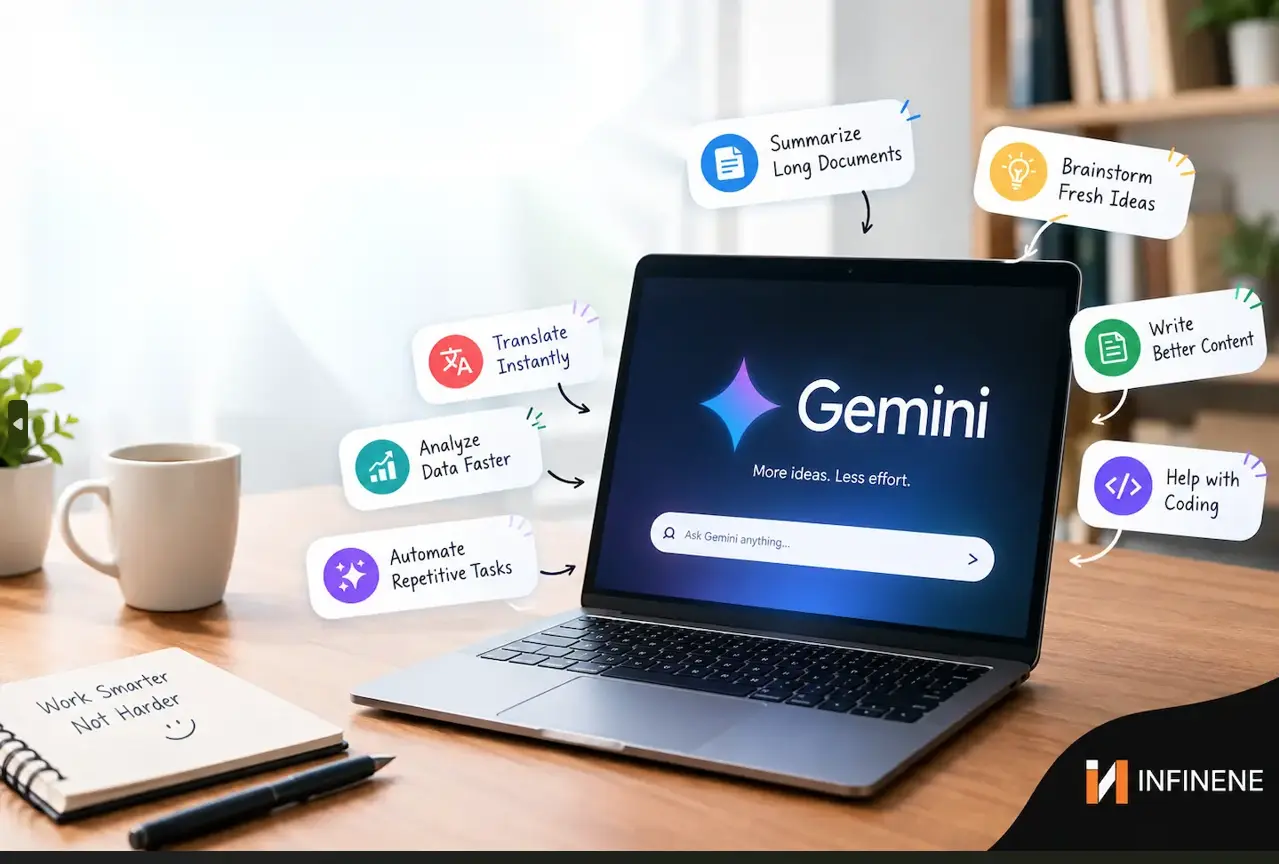
You are probably using Google Gemini prompts like a basic search engine. You type a question. You get an answer. Then you go back to doing everything by hand. That is a waste of time. The real strength of Gemini is not in the chat area. It is in the processes you create around it. There are some Google Gemini tips and tricks that actually move the needle. They turn a helpful chatbot into a behind the scenes assistant that works while you sleep.
Here are seven Google Gemini hacks that can help you save hours each week. These Gemini AI tips can make your work faster. Each one is practical and actually works. Lets see how to use Google Gemini like a personal assistant.
You probably have a prompt you type over and over. Maybe it is a formatting request. Maybe it is a research instruction. Retyping it is death by a thousand cuts. Gemini Skills fixes that. Google replaced Gems with Skills in 2026. The difference is huge. Skills are not stuck in their own chat window. You can call any skill from any conversation. That means your best prompt is always one click away.
The setup takes two minutes. Open Chrome, on your computer. Go to `chrome://skills/yourSkills`. Click Add. Give the skill a name. If you want Gemini to follow some instructions on every command, just write them. Gemini will use them every time then onwards.
One writer built a "Source Tracer" skill. It ignores blogs and news articles. It traces every statistic back to the original study or government report. Now that skill runs in one click. No more retyping the same research rules. No more getting lazy answers from random websites. This is one of the Gemini AI tricks that compounds. The more skills you build the less time you waste explaining yourself. You build a skill for email tone. You build a skill for meeting summaries. You build a skill for data cleanup. Each one saves a few minutes. Together they save hours. Start with your most repeated prompt. That is the one that will pay off fastest.
Most people start the day by reacting. They open email. They check the calendar. They scroll news. They try to figure out what matters. You can hand that entire routine to Gemini Spark. Spark is Google's agentic assistant inside Gemini. It can run tasks in the background on a schedule. Think of it as an assistant that never sleeps.
The hack is simple. Set a recurring Spark task for six thirty a.m. Every weekday. Give it one prompt. Tell the Spark task to pull your calendar events. Tell the Spark task to scan your Gmail for urgent messages. Tell the Spark task to check your weather. Tell the Spark task to grab three headlines from your city. Then tell the Spark task to build a prioritized to do list.
One How-To-Geek writer automated exactly this flow. Pull prompts from Google Tasks and Calendar into one morning brief. You sit down with coffee. Your day is already mapped out. You know what is urgent. You know what can wait. You know what the weather is doing. This is one of the Google Gemini tips and tricks that pays you back every single morning. You stop wasting the first thirty minutes of your day on setup. You start working on what matters. The setup takes about ten minutes. You write the prompt once. You pick the time. You test it for a week. Then you forget about it. That is the beauty of scheduled actions.
The Gemini sidebar is the underused feature in Google Workspace. It is located inside Gmail, Docs, Sheets, Slides and Drive. You can open it by clicking the Gemini star icon in the right corner.
The most important aspect of this is the elimination of steps and having everything within reach. There is no need to copy and paste or browse outside of your workspace. With the seamless integration of Gemini, you will never have to leave the window you are already working in, thus helping you to stay in the zone and be more productive. Reduces distraction. Every tab switch you avoid is a second you get back. With Gemini those seconds accumulate. Those seconds add up to hours giving you time to focus on your work.
Prompts are where the time savings happen. In Gmail you can say, "Create a strategy brief for this project with goals, milestones and next steps." Gemini builds a formatted Doc in the background. Save it to Drive. In Docs you can say, "Turn this proposal into a slide deck for my director." Gemini generates a styled presentation, without you leaving the page. In Sheets you can ask Gemini to clean up a dataset and flag outliers. This is how to use Google Gemini without adding another step to your workflow. The sidebar keeps you in the app you have open. No context switching. No copy paste. No lost train of thought. Try this tomorrow. Open a long email thread. Use the sidebar to summarize it. Then ask for action items. You will never go back to reading every reply again.
One skill saves a little time. Stacked skills save a lot. This is where Gemini gets genuinely powerful. Skills can chain. You can run one skill to research a topic. Then another skill can take that research and format it into a digest. A third skill is writing it in your voice. A fourth skill can email it to your team. You are building a pipeline. Each skill does one job well. Together they do a whole job.
Think of a report you have to do regularly. You just need to create a stack. After setting up a Sheet, all you will need to do is tell the stack where the data is. It drafts a plain English update. It opens a Gmail draft to your boss. You review and hit send. That is a two hour task turned into a ten minute review. This is one of the Google Gemini prompts strategies that most people ignore. They build one prompt and stop. The real leverage comes from chaining them. You are not just saving time on one step. You are saving time on the whole process. Start with two skills. Connect them. Add a third when you see the pattern. You will be surprised how quickly a two hour task turns into a ten minute review.
Some tasks are not hard. They are just easy to forget. Checking a tracker. Logging a habit. Scanning for subscription renewals. These tiny chores drain attention. They are not big enough to plan for. But they add up. Gemini Scheduled actions handle them on autopilot. You set the task once. Gemini runs it on your schedule. You do not have to remember. You do not have to set a reminder. It just happens.
One user set up a daily action to maintain a learning log. They talk into Gemini for two minutes about what they learned that day. Gemini appends it to a running master document. Another set up a recurring scan for sneaky subscription renewals and trial cutoffs. That one action probably saved them a hundred dollars a year. These are the Gemini AI tips that sound small but add up. Five minutes saved every day is over four hours a month. That is half a workday back. And that is just one scheduled action.Imagine five of them running in the background.
The main thing is to choose tasks you do often. If you do it two times a week it should be, in a scheduled action. If you miss doing it at least once a month it should be there as well. Let Gemini be your memory. You concentrate on the work that requires your brain.
You know the message. The one from your boss or a client that is six paragraphs long. It has five action items buried inside. You read it three times to make sure you did not miss anything. You still miss something.
Stop doing that manually. Paste the message into Gemini. Ask it to extract every task that was given to me. Then ask it to put those tasks into Google Tasks or Calendar. That is one prompt. That is thirty seconds. That is a list that I can rely on. This works in Gmail well. Open an email thread. Use the sidebar to get a summary of the thread. Then ask "What action items are assigned to me?" Gemini goes through the conversation and gives you a clean list. It never gets tired. It does not skim. It does not miss the last line.
This is one of the Google Gemini hacks that saves time and prevents mistakes. You will stop missing follow ups. You will stop rereading the same message. And you will stop holding tasks in your head. That mental load is real. Gemini takes it off your plate. Try it on your next long thread. You will be shocked how much you were missing.
Most people use Gemini for quick answers. They miss the deep research mode. Deep research gathers information from documents and big folders. It creates a summary report. Give credit to the sources. It is, like having a research helper who reads everything and gives you the parts. The trick is to use it inside your Workspace apps. You don't have to open a research tool. In Docs you can ask Gemini to compare your draft with internal content and what competitors have published. In Drive you can ask it to build a customer insights deck from your project files. In Sheets you can ask it to find patterns across a year of sales data.
This is how to use Google Gemini for work that actually takes hours. Not the quick questions. The synthesis. The comparison. The "read everything and tell me what matters" work. That is the work that eats your afternoon. One prompt in the right place can replace an afternoon of tab hopping and note taking. You get a summary. You get sources. You get a starting point. Then you use your brain for the judgment calls. That is the right division of labor.
No Google Gemini tips and tricks need a background. Gemini AI tricks just need a shift in mindset. Most people treat Gemini like a search box. They type a question. They get an answer. They move on. The people saving hours every week treat Gemini like a system. They build skills. They schedule actions. They chain workflows. They use the sidebar instead of switching tabs.
Start with one hack from this list. The morning brief is the easiest entry point. It saves time on day one. Then add a skill for your most repeated prompt. Then try the sidebar for a task you normally do by hand. Then stack two skills together. Then set one scheduled action for a recurring chore. The hours add up fast. And once you see Gemini working in the background you will wonder how you ever did the week without it. You will stop reacting. You will start building. And you will get your time back. That is the real promise of these Google Gemini hacks. Not magic. Not hype. Just a few smart setups that run quietly in the background. You do the work that matters. Gemini handles the rest.
How AI Is Transforming Shopping, Banking, Healthcare, and Travel
5 Security Risks of AI Tools in Small Business Workflows