


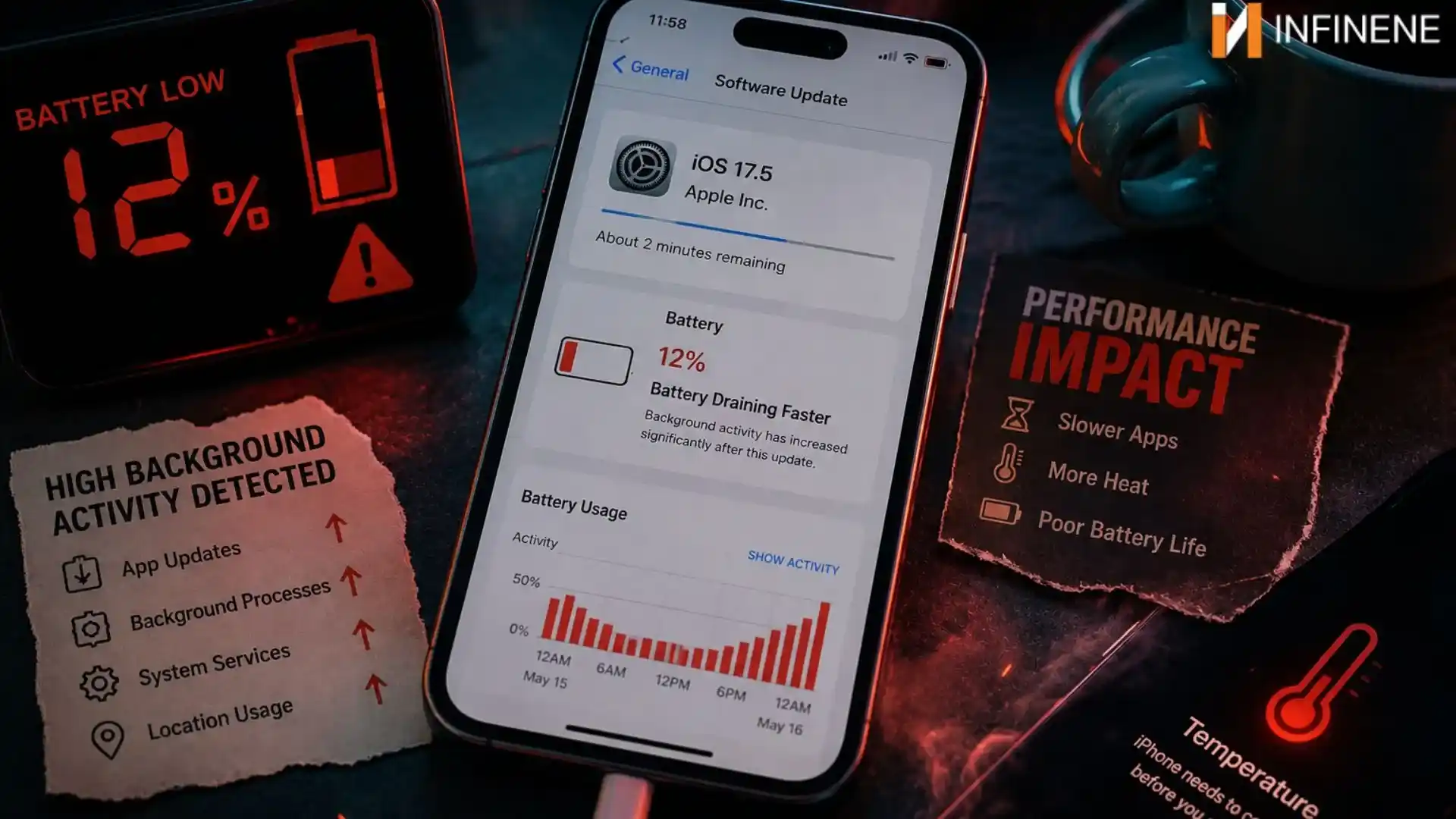
Did it ever happen to you that you updated your phone before going to bed, expecting new features and smoother performance? But the next morning, your battery suddenly seems to drain faster than your morning coffee. By lunchtime, you are already looking for a charger.
If you have been a victim of phone battery draining fast after update, you are definitely not alone. Every time major updates roll out for devices like the Apple iPhone or Galaxy phones, social media fills with frustrated users asking the same question: “Why is my phone battery draining fast after update?” But you can take a sigh of relief. Your phone is not broken. There could be several reasons for that. Let's explore them and see what you can do to fix them.
In a software upgrade, the phone is not just downloading some shiny new features. Behind the screen, your device suddenly becomes kind of jammed busy, reorganizing itself so it can adapt to the new operating system. And that whole thing can sip battery power more than you’d expect. Your phone starts re-indexing thousands of photos, videos, contacts, and other files, so things could load more smoothly later on. At the same time, apps are being tuned so they behave nicely with the updated software. While the security side is refreshed and system caches are rebuilt from scratch.
It’s pretty much like moving back into a house after a renovation. The furniture might already be sitting where it belongs. But there are still boxes to open, little wires to verify and minor tweaks in every room before it finally feels “normal” again. Your phone does a similar sort of adjusting phase after an update.
One of the major reasons people experience battery problems after a software update has nothing to do with the phone itself. It is often the apps struggling to keep up. When a new version of iOS or Android releases, app developers take some time to optimize their apps for the updated system. Until they do so, a few apps can run a bit on the side in the background. Users often don’t even notice. Your favorite social media app may keep refreshing data over and over. A maps and navigation app might keep tracking location when it really doesn’t need to or a streaming app could begin using more processing effort than usual.
That extra hustle makes your phone’s main processor push harder and of course, your battery drains quicker. The device can feel warmer, too. In some cases, apps start to crash and then relaunch in the background again and again, quietly chipping away at your battery day after day. So, it’s pretty common that people spot sudden battery drain right after updating their phones. Ironically, the real issue is often outdated apps, not the software update or the phone battery itself.
Modern updates are designed to make the whole experience feel smoother and smarter. Especially when it involves AI tools and real-time services. The one catch is that these upgrades are not always lightweight. Like widgets that keep refreshing, AI-driven photo improvements or a smarter voice assistant will start running quietly the second you install the update. And then there are the personalization parts that can tune your wallpaper, tweak the layout, or even steer recommendations. These features can keep running in the background too, with no big obvious sign right on the screen.
Most people never notice that these features are automatically enabled after an update. So, the battery drain feels sudden and a bit unexpected. Your phone is working harder than before to handle these newer capabilities. When you see your battery draining fast after an update, it is often those quiet, power-hungry functions doing their job in the shadows.
Sometimes the update itself isn’t really the culprit, it’s more like it shines a light on something that was already sort of quietly growing in the background. Phone batteries don’t stay at their peak forever. Over time, they gradually lose that ability to hold a charge efficiently because of normal chemical aging and all those repeated charge cycles. So, when you install a fresh update, especially a big one, your phone might start asking a bit more from the hardware. That extra demand doesn’t exactly create a new issue. It just reveals the weak spot that was already sitting there. That’s also why it’s extra common on phones that are a couple of years old. In those conditions, the battery has already been dealing with steady strain for a while.
Once the system becomes more advanced and starts chewing through resources after the update, the battery’s reduced capacity becomes way harder to ignore. What used to feel like “normal” battery life suddenly feels like fast draining, even if the true change is slow wear finally being noticeable. In other words, the update doesn’t usually “break” anything. It just lifts the performance requirements, and the battery shows you where it can no longer keep up.
When your phone starts losing battery faster right after an update, it can feel like something has gone seriously wrong. Like, you expected improvements, not this daily struggle where you keep hunting for a charger. But the truth is less dramatic. Most of the time, your phone is more like an adjusting phase. It may be getting used to a new software environment and that can briefly need more energy than usual. The good news is that this entire stage is almost always resolvable. It often smooths itself out on its own once the system finds its rhythm back.
Not all battery drain is coming straight from the system itself. Sometimes one app can just quietly eat a big chunk of your power and still show zero obvious signs. After an update, it becomes pretty handy to check your battery usage settings. The system often recalibrates the way it tracks energy usage.
You might notice one app that seems to always be there, running in the background or constantly reloading updates. When you pin down which app is making this mess and remove it, you can get a surprisingly visible boost in battery performance.
Another big factor that quietly eats into battery life after an update is app compatibility. And it’s not always obvious right away. Lots of people think that once the operating system is updated, everything else should just behave perfectly by itself. But in truth, apps also need their own updates to keep up with the changed system. If they are not updated, things can get a little clunky.
Developers typically send out compatibility patches pretty soon after a major system upgrade. If you skip those updates, apps might run inefficiently in the background. That inefficiency tends to reveal itself as more battery drain. even while you are not really using the app. So, updating all your apps quickly helps because they’re tuned for the newest system changes. That means less unnecessary effort from your battery. Everything tends to run smoother too. Like less friction and less extra processing.
Battery drain isn’t always because of the phone’s system. A lot of the time, the real situation is tied to one app that sort of stays in the shadows, quietly using up a big chunk of power without really giving any clear warning signals. After an update, it often helps to go back and look at your battery usage settings. The system tends to recalibrate how it measures and then presents energy consumption. During that window, trends can turn more obvious and it’s easier to catch the app that's acting weird.
You might notice that one app seems kind of stuck in the background. always “refreshing” content or using location services in a more assertive way than you’d expect. Sometimes, even the apps you barely touch can end up running inefficiently after the update. Once you identify that app and restrict its background activity, you will see a quick improvement in battery life.
Alongside apps, system settings also play a big role in battery use. After updates, things sometimes get reset or even turned on by default. After an update, it’s worth taking a careful look at these settings and switching off anything you do not really use day to day. Even little adjustments can stack up in improving the battery life.
Also Read: The New “Missed Call” Scam in the US - What Happens If You Call Back?
When a phone battery starts draining after an update, it can be pretty temporary because the system re-optimizes apps running in the background, which is kind of common. But sometimes this kind of behavior is not just “normal”, and it can hint at a bigger underlying problem that should not be brushed off. Spotting these signals early can really help you prevent more harm to the device and avoid weird data loss or sudden performance problems later. You might want professional help if you catch any of these conditions, even if you think it’s “just the update”:
If the battery level goes down a lot in just minutes, it often points to battery cells that are worn out or damaged.
When apps keep freezing or crashing, it can suggest a more serious system instability. The update basically made it more noticeable.
If the phone feels unusually warm, it can suggest battery trouble or a hardware fault. It may not be a small software hiccup.
If the battery doesn’t hold charge correctly or the health status looks very low in the settings screen, that’s a strong hint the pack may need replacing, not more “waiting”.
If the device powers off suddenly, even though the battery still shows a remaining percentage, it might be a battery calibration trouble or some outright hardware failure going on.
Modern smartphone updates are getting bigger and more intelligent every year. While they come with exciting features, they can also, for a moment, push power-draw higher. If your phone's battery is draining fast after the update, don’t panic. your device is just taking time to settle and re-adjust to the new software surroundings. And, honestly, sometimes the answer is pretty basic. Your battery may not be “dying”, it might be fine, your phone is only working overtime after the latest upgrade.