


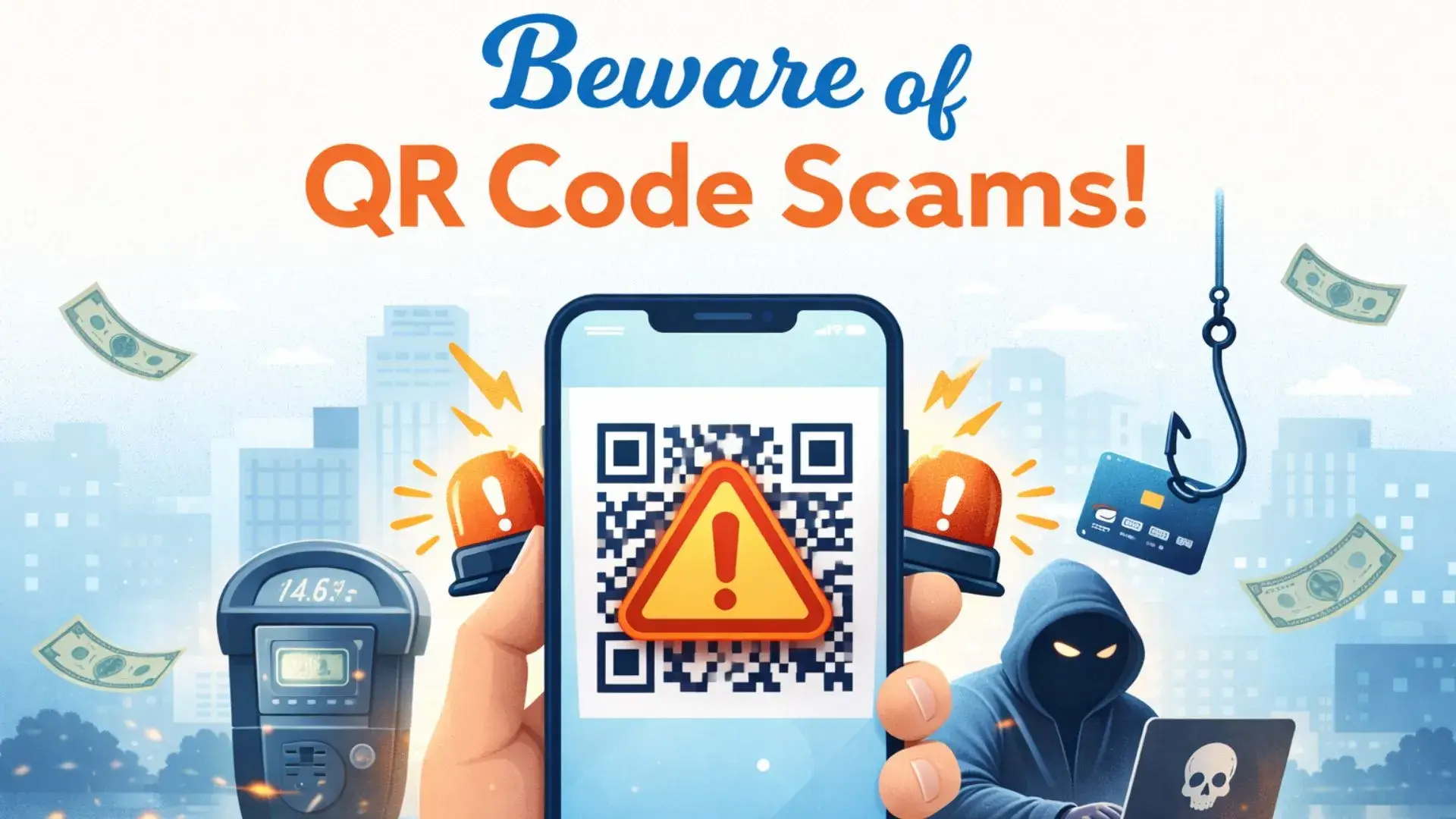
Picture this: You’re circling the block in a congested part of downtown Denver or maybe searching for a spot near the pier in San Francisco. You finally find a space, and right there on the meter is a sleek, professional-looking sticker. It says, “Scan to Pay — Skip the Line.” It’s a lifesaver, right? You’re in a rush, you’ve got your phone out anyway, and it takes five seconds. You scan, the page looks official, you enter your credit card info, and you walk away feeling like a tech-savvy citizen of 2026.
Two days later, your phone starts blowing up with fraud alerts. A $2,500 charge at an electronics store in a different state. A $400 withdrawal from a digital wallet you’ve never used. That "convenient" parking scan was actually a one-way ticket to a drained bank account.
This isn't just a "bad luck" story; it's a national epidemic. Across the United States, we are seeing a massive surge in quishing—a blend of "QR code" and "phishing." While we were busy getting used to touchless menus and contactless payments during the pandemic, the criminal underworld was perfecting a new way to pick your pocket through your smartphone.
According to recent 2025-2026 data, around 73% of Americans now scan QR codes without even glancing at the URL first. This collective lack of suspicion has allowed scammers to direct more than 26 million people to malicious websites in just the last few years. If you think you're too smart to be fooled, think again. These aren't the grainy, misspelled emails of the 2000s; these are high-stakes, physically embedded traps.
Let’s peel back the curtain on the term quishing attack explained. In simple English, quishing is when a malicious actor uses a QR code to bait you into visiting a site that steals your data or installs a digital "bug" on your phone.
Why does this work so well? Because a QR code is a "blind" link. If I send you an email with a link that says free-money-legit-website.net, you’ll probably laugh and hit delete. But a QR code is just a box of pixels. Your brain can't "read" the destination. You rely entirely on your phone's camera to translate it, and usually, we’re too impatient to check the tiny preview text that pops up.
Cybersecurity firms like Keepnet Labs and Kaspersky have been sounding the alarm. In late 2025, detections for malicious QR codes jumped from roughly 47,000 in August to over 249,000 by November. That is a five-fold increase in just one season. Today, QR-based phishing makes up about 12% of all phishing attacks in the US. It’s no longer a niche crime; it’s a primary weapon for identity thieves.
This is the number one question people ask when they hear about this. "Can I get hacked just by looking at the code?"
The short answer is: No, but it's the gateway. Pointing your camera at a QR code is generally safe. The pixels themselves won't explode your phone. The danger starts the millisecond you "tap to open" the link. Here is what actually happens behind the scenes:
Credential Harvesting (The 89% Threat): Data shows that nearly 90% of these scans lead to a credential phishing site. You’ll see a page that looks exactly like the Microsoft 365 login, your Gmail, or your Bank of America portal. You type in your password, and now the hacker has it.
Malware & Spyware: In some cases, the scan triggers a "drive-by download." Your phone might ask, "Do you want to download this PDF?" but the file is actually a piece of spyware that tracks your keystrokes or harvests your photos.
The Session Token Theft: This is the high-tech version. Some malicious codes are designed to steal your "session token"—the piece of data that tells a website you're already logged in. By stealing this, a hacker can bypass your Two-Factor Authentication (2FA) entirely and jump straight into your account.
We live in a world where you have to scan to see the price of a burger or to rent a scooter. You can’t live in a bubble, but you can be street-smart.
A QR code printed inside a physical, bound menu at a high-end restaurant.
A code on a TV commercial for a major brand (like the Super Bowl "bouncing QR code" ads).
Codes inside your actual banking app or an official government app (like the DMV).
* Parking Meters: Any sticker that looks like it was slapped on after the fact.
* Public Flyers: "Scan for a free $50 Amazon gift card" on a telephone pole is a lie 100% of the time.
* Unsolicited Emails: If you get an email saying "Update your password" and it contains a QR code instead of a button, delete it. Scammers do this because email filters often can't "read" images, so the malicious link slips right past your spam folder.
Why the sudden shift? Why not just send a text message with a link?
Corporate firewalls and email security tools are really good at scanning text. If an email contains a known "bad link," it gets blocked. But a QR code is an image. To a basic security filter, it just looks like a picture of a square. By the time the security system realizes what’s inside, you’ve already scanned it on your personal phone, which likely has zero corporate security software.
We are much more reckless on our phones than on our computers. On a PC, you might hover over a link to check the URL. On a phone, you're usually on the move, distracted, or in a hurry. Scammers count on that "tap-first, think-later" mentality.
A QR code feels "official." It’s associated with modern business. Hackers leverage this trust to create a sense of legitimacy that a plain text link simply doesn't have.
Absolutely. In fact, this is the main goal. Scammers have moved beyond just "stealing passwords." They want the direct line to your cash.
Fake Payment Portals: Imagine you’re at a local farmer’s market or a pop-up shop. The vendor says, "Scan this to pay via Venmo or PayPal." But the code takes you to a cloned site. You "log in" to your Venmo, but you’re actually just giving your credentials to the thief.
The Crypto Drainer: This is a big one in 2026. You see an ad for a new "Airdrop" or a crypto giveaway. The QR code links your wallet to a "smart contract" that—instead of giving you money—gives the scammer permission to empty your wallet in seconds.
The Utility Bill Scam: Scammers are now mailing fake "Late Notice" utility bills to homes across the Midwest and the South. The bill looks 100% real and offers a "convenience QR code" for immediate payment to avoid a shutoff. The money goes to a burner account, and your power bill remains unpaid.
*Learn more about protecting your digital assets through cyber security services.
This is the most widespread fake QR code parking scam in the country. From Austin, Texas, to Minneapolis, cities are reporting hundreds of cases. In Denver alone, officials recently found stickers on South Broadway that directed users to a website based in the Dominican Republic.
The Clue: Legitimate city parking apps (like PayByPhone or ParkMobile) usually has their own apps. If a "parking site" asks for your credit card info directly through a mobile browser without taking you to an official app, close it immediately.
The FBI's Internet Crime Complaint Center (IC3) recently issued a QR code scam warning in the USA regarding "mystery packages." You receive a small, cheap item—like a pair of socks or a plastic toy—that you didn't order. Inside is a card: "A gift for you! Scan to see who sent it or to claim a $100 reward."
This is a variation of the "brushing scam." The goal is to get you to scan the code so they can harvest your phone’s ID, location, and potentially your personal info via a "survey."
In busy metropolitan areas like NYC and Chicago, scammers have been walking into restaurants and swapping out the QR code stands on the tables. While you think you're looking at the lunch specials, you're actually on a site that's quietly downloading a background script to your phone.
You don't need a PhD in cybersecurity to stay safe. You just need to be a little bit "annoying" about checking things.
The "Physical Integrity" Test: Before you scan a code on a public surface (meter, table, kiosk), try to peel it. Is it a sticker? If it feels like it was slapped on over the original paint or plastic, do not scan it. * The URL Preview: When you scan a code with your iPhone or Android, a small yellow or white link will appear above the code before you click. Look at the domain name. Does it say park-city-payments.net when it should say cityofchicago.org? If the URL is shortened (like bit.ly or tinyurl), that’s a red flag.
The "Too Good to Be True" Rule: If a QR code promises free money, a gift card, or a prize for a "30-second survey," it is a scam. Period.
Urgency is a Lie: Any site that tells you that you have "5 minutes to pay or you'll be arrested" or "Your account will be locked forever" is a scam. Legitimate businesses don't use QR codes to issue life-or-death ultimatums.
If you want to be 100% safe, follow these rules of the road:
Use the Native Camera: Never download a "QR Scanner" app from the App Store. Most of them are junk, and many are designed to track you. Your phone’s built-in camera is the most secure tool you have.
Verify via the Official Site: If you get an email with a QR code from "Amazon," don't scan it. Open your browser, type amazon.com yourself, and check your notifications there.
Think Before You Input: A QR code should be for viewing information (like a menu). If it starts asking for your Social Security number, your bank PIN, or a "security code" sent to your phone, get out of there.
Check for HTTPS: While not a perfect guarantee, ensure the site starts with https://. However, be aware that many scammers now use "secure" certificates to look legitimate.
If you realize you’ve been "quished," every second counts.
* Kill the Internet: Turn off your Wi-Fi and Cellular data immediately. This can sometimes stop a malware download in its tracks.
* Audit Your Accounts: Log into your bank from a different device (like a laptop) and change your password.
* Run a Security Scan: Use a trusted mobile security app to check for new, unauthorized apps on your phone.
* Contact the IC3: If you’ve lost money, report it to the FBI at ic3.gov. This helps them track where these stickers are being placed.
No. Simply letting your camera "see" the code is safe. The risk only begins when you click the link the code generates or when you provide personal information on the website it opens.
Check if the code is part of the original signage or if it's a sticker. Most cities will have the QR code printed directly on the metal or under a hard plastic cover. If you can peel the corner of the QR code with your fingernail, it’s likely a scam.
Hackers use QR codes to bypass security filters that scan text for malicious links. Since a QR code is an image, it often slips past the "gatekeepers" and lands in your inbox or on your doorstep.
Yes. If the code takes you to a site that triggers a download, it can install spyware or a "malicious profile" on your device. Always be wary if a scan prompts you to "Allow" a download or a configuration change.
Generally, no. Legitimate companies will almost always provide a clickable button or a text link. If an email forces you to scan a QR code to "verify your identity," it is a major red flag for a quishing attack.
This is where you receive a random package you didn't order. Inside is a QR code that promises to tell you who sent the gift. Once scanned, it leads to a phishing site designed to steal your credit card or Social Security number.
QR codes are a great convenience, but they have also become a "blind spot" in our personal security. In 2026, the best tool you have isn't a fancy app—it's a healthy dose of skepticism. If a code looks out of place, if the URL looks "funky," or if a sticker is peeling off a parking meter, trust your gut. It’s better to spend two minutes typing in a URL manually than to spend two weeks trying to get your identity back.