


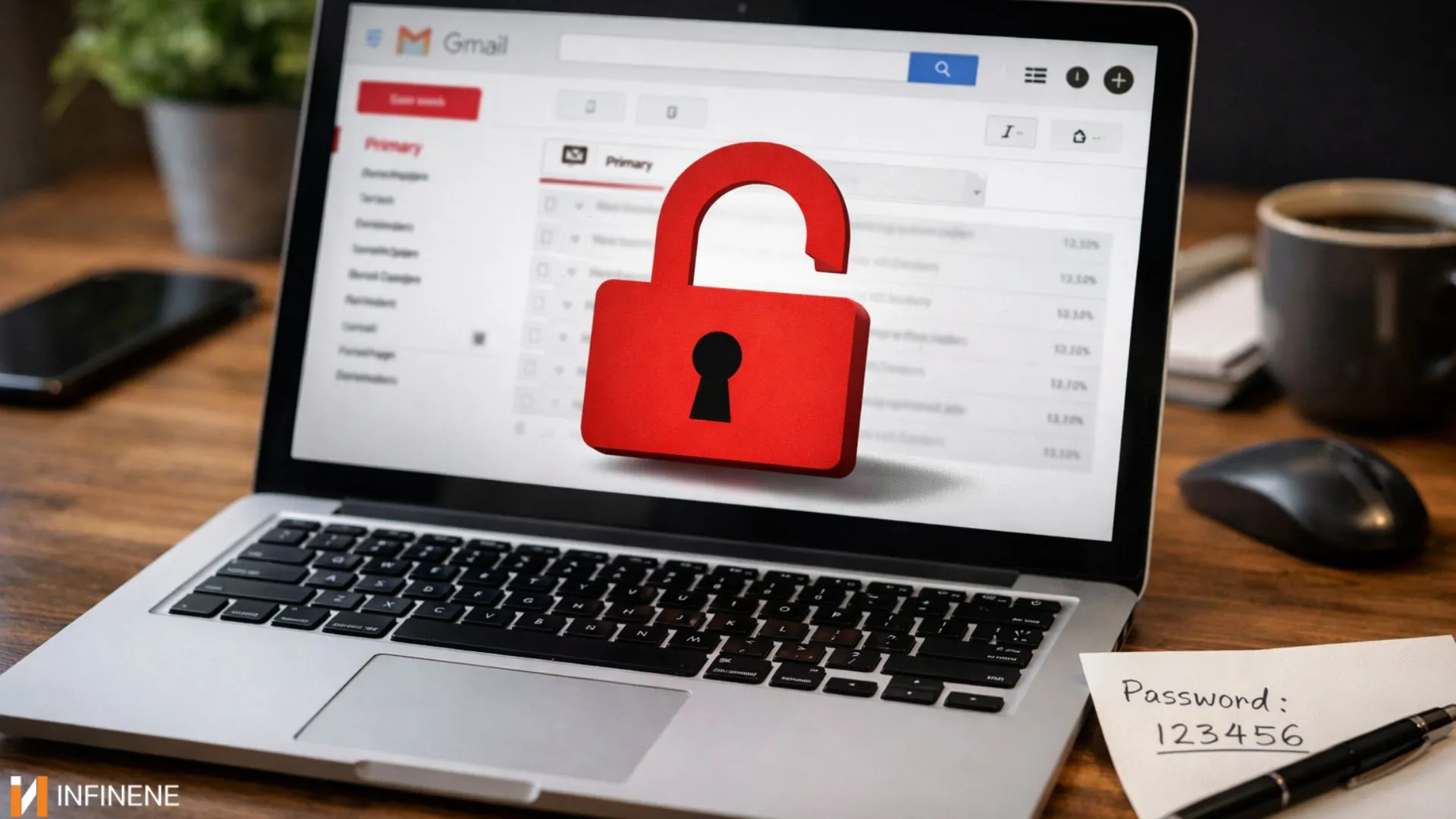
My whole life, I believed that my Gmail was safe. Password strength meets required standards. Two-step verification is activated. So, I have nothing to worry about. Google maintains a trustworthy security reputation according to the established security standards.
But when an incident of my Gmail accessed without alert happened to me, I was left in complete disbelief. The system failed to send any alert through email. Or any notification for suspicious login attempts. If you ever experienced unauthorized Gmail access without alert, you should read this article because I have been there.
I will explain my experience and the steps you need to take to prevent it from happening to you.
It started with a minor issue. I received a read receipt for an email which had not yet opened. I had not sent any strange link to my friend, but he asked me why I had done so. So, I went to check my Gmail activity page. The system showed that another person had accessed my account without permission.
Someone has accessed my account through another device. And the system failed to deliver any security alerts.
Google’s security system uses intelligent systems for its operations. However, they have certain flaws that make them incapable of achieving complete accuracy.
Compromised Third-Party Apps - The third-party application authorization is another critical issue. Many users authorize applications to access their Gmail including productivity tools and browser extensions. If any of these third-party applications gets compromised, it allows the hackers to access your Gmail without activating any security alerts.
Trusted Devices or IP - Someone could access your Gmail accounts through another device that matches your regular device, browser or IP address and the system would mistake their login as authentic.
Session Hijacking - In this type of attack, active login sessions become accessible to the attackers who use malware or compromised Wi-Fi networks. They can access the email through active sessions and consequently, no security alerts are generated.
Phishing Attacks - Hacking attempts could also include a convincing email, a familiar-looking Google sign-in page. One rushed moment and suddenly someone else has access.
What frustrated me the most was my belief that Gmail sends alerts when it detects any unusual activity.
But it is to be noted that Google doesn't send alerts for “every” user activity. Google does not detect access when users enter their accounts from their regular locations with the same device type or browser.
I discovered that the unauthorized access happened through a browser I had previously used. And it probably happened because of a compromised extension. Google detected no threats that would create immediate emergency situations. Hence, no alerts!
The problem wasn't just that someone had accessed my Gmail but what they did after.
The hackers did not proceed to change my password. They did not lock me out. In fact, they conducted a search to retrieve my recurring passwords and built email forwarding systems to send my messages to another location.
The threats become terrifying at this stage. The attackers maintain complete silence by avoiding security alerts while doing the damage.
Once I got to know about the situation, I reacted quickly. First of all, I changed my Gmail password and signed out of all devices. Then I checked my account activity and removed all third-party applications that I didn't know about. I checked my Gmail settings to find any existing forwarding rules and filters which most users never consider checking. This location serves as the primary hiding spot for attackers. I performed a complete malware scan of my system and deleted a browser extension that I didn't know about. It served as the main entry access point.
You don’t need to lose your mind; you only need to be proactive.
You should check your Google account security activity on a regular basis instead of waiting for the problems to arise.
See applications that can access your account info and remove unnecessary access.
You must handle browser extensions with complete caution. Even trusted Browsers can develop security problems after users download new versions.
Two-factor authentication offers strong protection but it is not your ultimate guarantee to avoid an attack. Enable 2FA, but stay on the watch.
Most importantly, don’t ignore small signs. A single odd email, a change in settings, or a login could be the clue that your Gmail was accessed without alert.
If my story feels uncomfortably familiar, take a few minutes today to check your Gmail security settings. I was a firm believer in the fact that if Gmail didn’t warn me, everything was fine. I know better now. So, make sure to take some time and check your Google account today. This small action can prevent you from experiencing a major problem in the future.
Take it from me that getting to know that someone has accessed your Gmail account without your knowledge is a truly terrifying experience.
Protect your accounts today—contact us for expert cybersecurity services and ensure your Gmail and other digital assets stay safe from unauthorized access.